Adaptation Studio
Art direction / Workflow design
Mobily
Objective
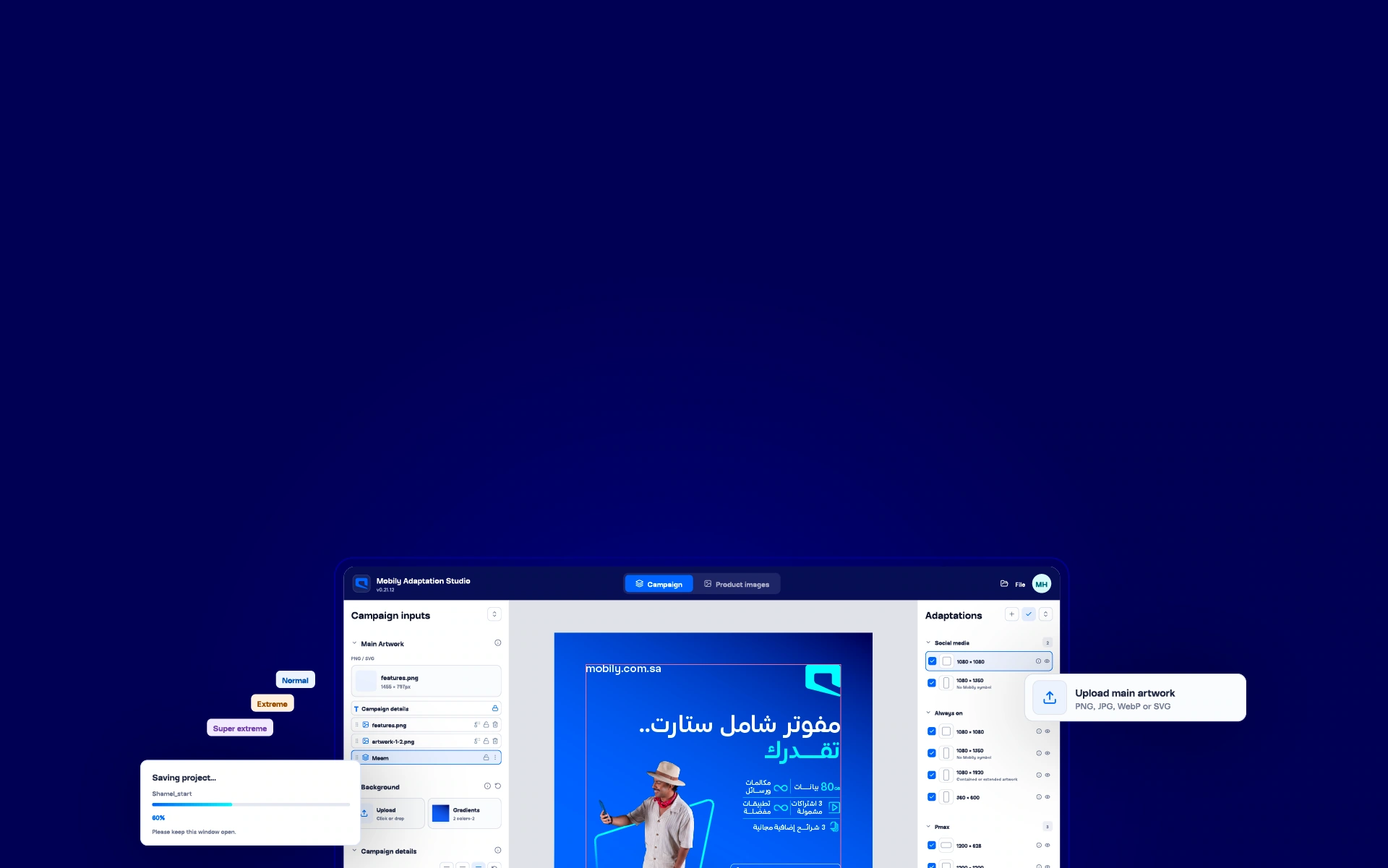
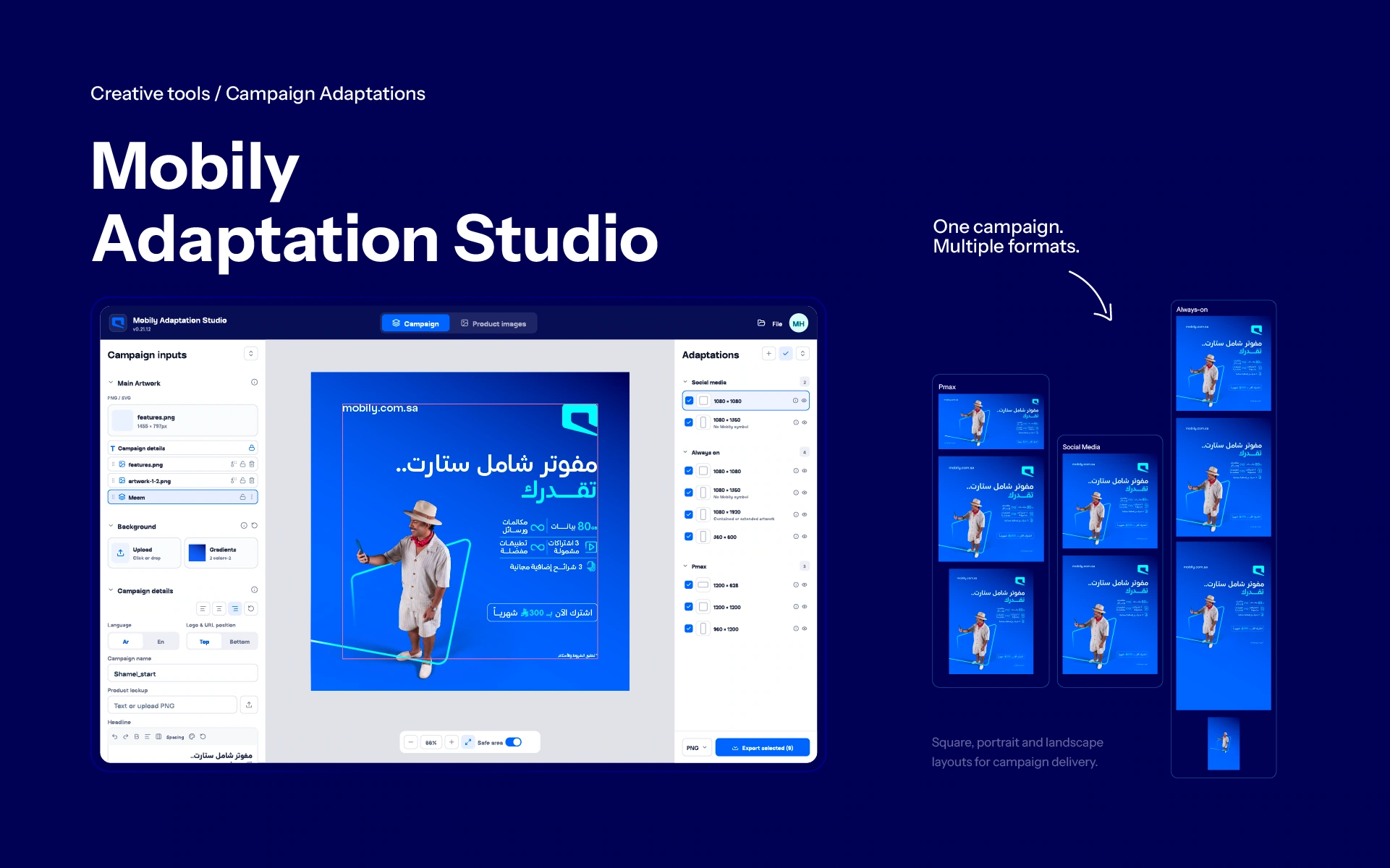
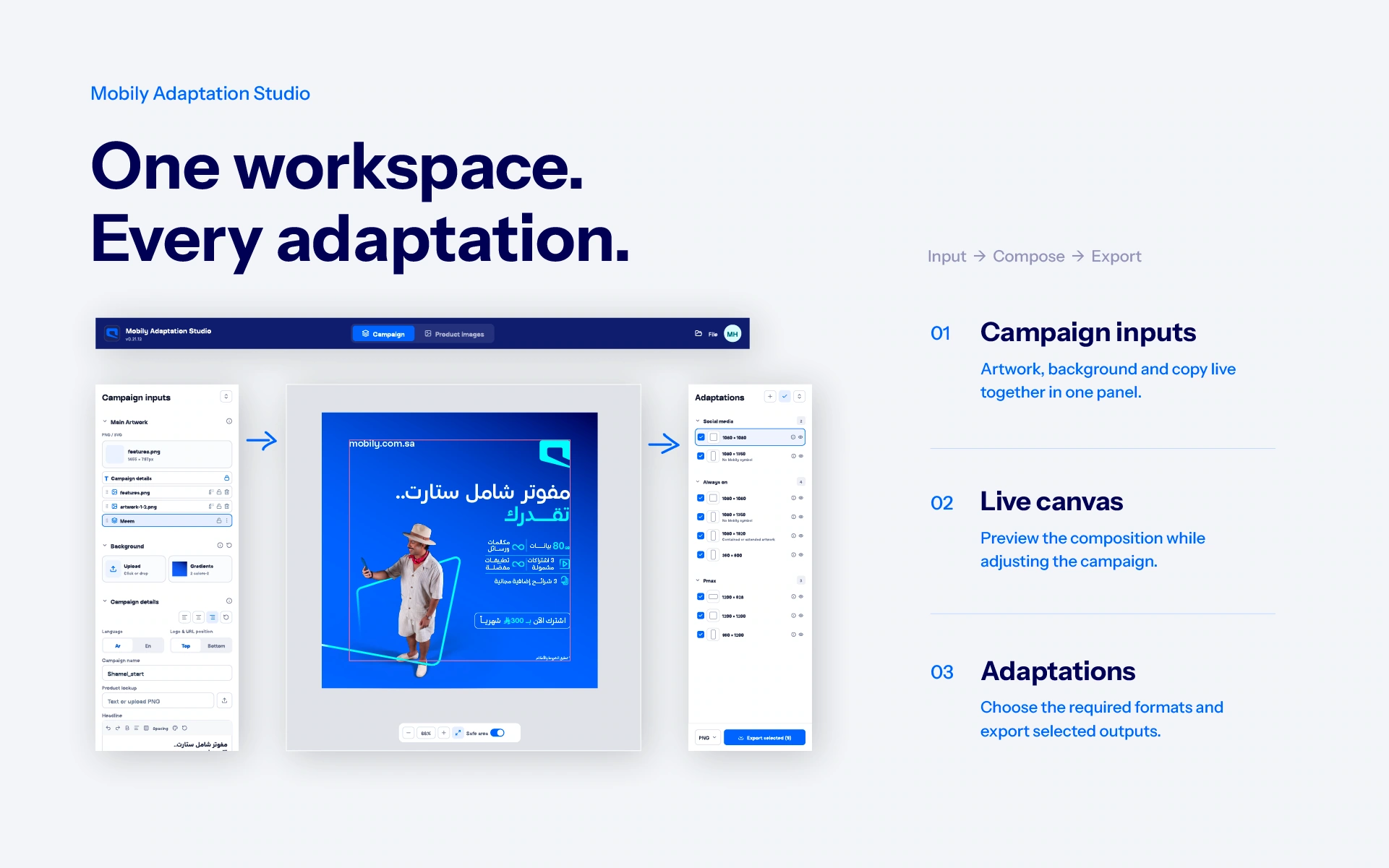
I created Mobily Adaptation Studio to reduce the time spent adapting campaigns to different sizes and repeating changes across them, while keeping every layout consistent with the brand.
Design Approach
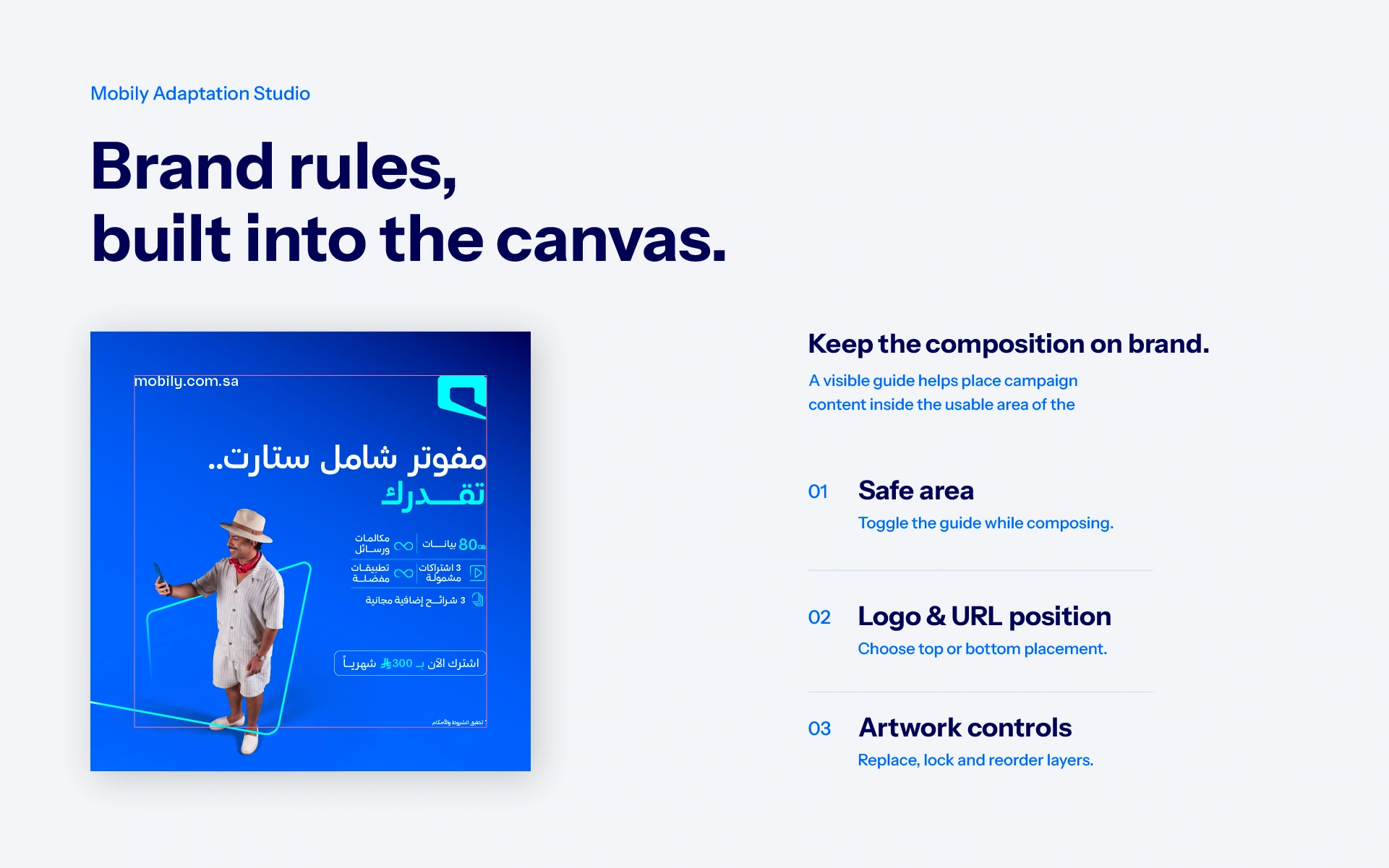
I brought together 4 years of UI/UX experience with my background in brand identity, advertising and art direction to design the interface and turn Mobily’s guidelines into practical layout rules.
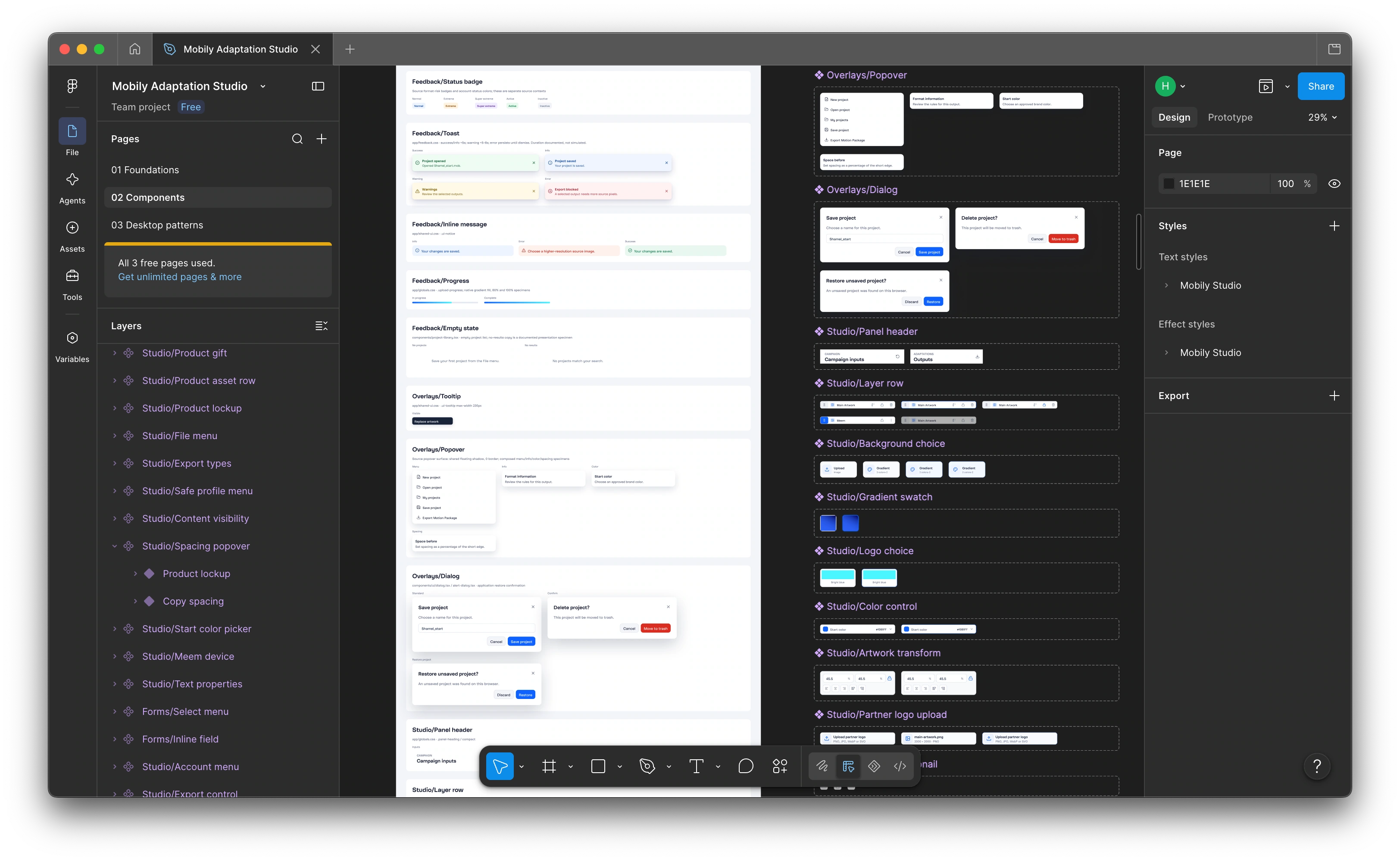
The system works with existing artwork and copy, applying these rules across formats while giving designers control over adjustments. It is built to grow, with the ability to add formats, update rules and expand its features.
Production Workflow
A separate area handles product images. Once the image and sizes are selected, it creates the crops needed for Mobily’s website and app with 1 click.
For animation, the system automatically generates a .jsx script once the designer finishes the adaptations. Running it in After Effects creates every size with all design elements in their exact positions. Animators can start animating straight away, saving the time previously spent rebuilding Illustrator or Photoshop layouts.
Results
After many rounds of testing and updates, the studio is now part of the production workflow for Mobily campaigns. Real projects continue to guide improvements and show which features would be useful next.
I’ll keep improving it, with the same goal: less repeated work and more time for design.